How to find resource IDs on SFMC
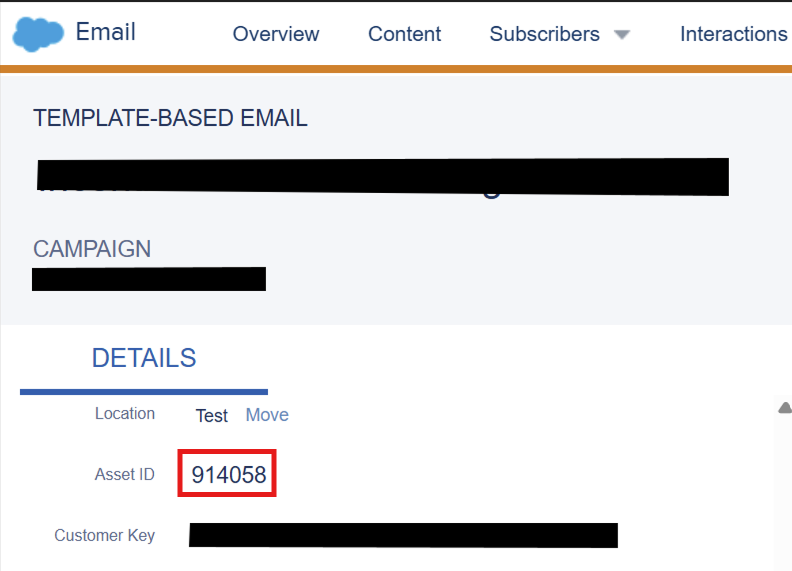
Email Asset ID
Find Category ID / Folder ID
1. Open the folder tree
Go to Content Builder > left navigation pane.
2. Inspect the DOM
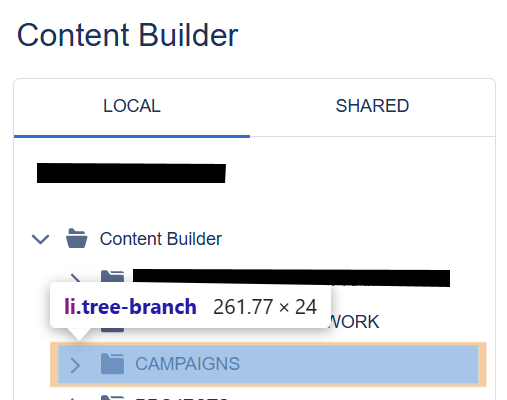
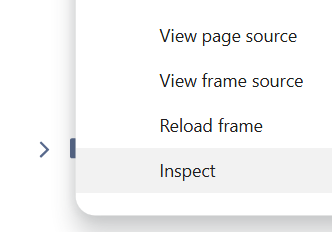
If you want to find the category ID of a folder named “CAMPAIGNS”, just go to the folder navigation pane. Right click anywhere, choose Inspect.
3. Expand the DOM to the <body>
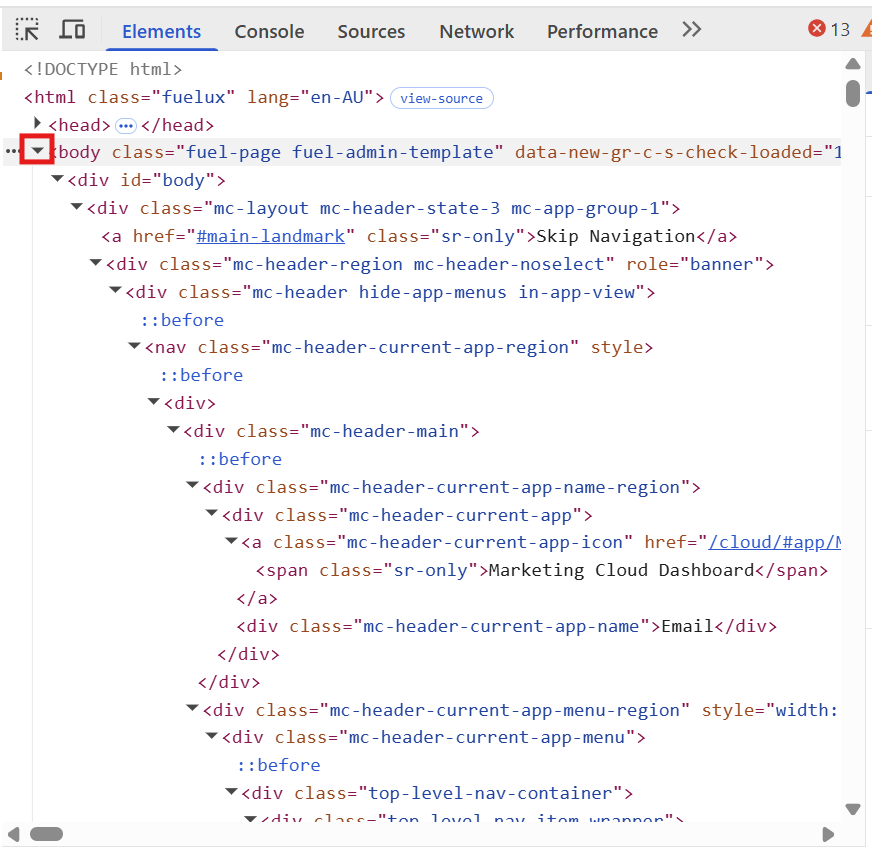
Hold down ALT key and click on the arrow icon next to <body> tag, this will collapse the everything. Click on it again and this opens all nested child elements inside it.
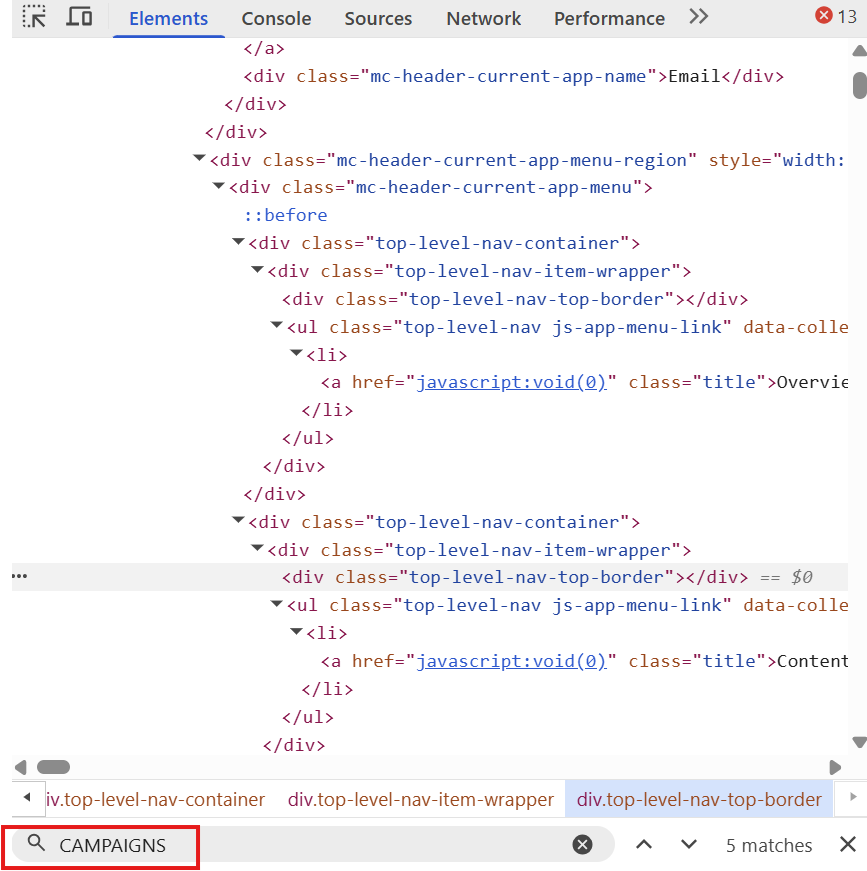
4. Search for the folder name
Hover your mouse in the above section and press Ctrl + F keys, and the search box will appear. Type in the folder name, e.g., “CAMPAIGNS”. Use the down arrow on the right to find the matched element.
5. Locate the <li> element
The matched element should be under a <li> tag with “CAMPAIGNS” label. The data-id 96288 is the folder/category ID we are looking for.
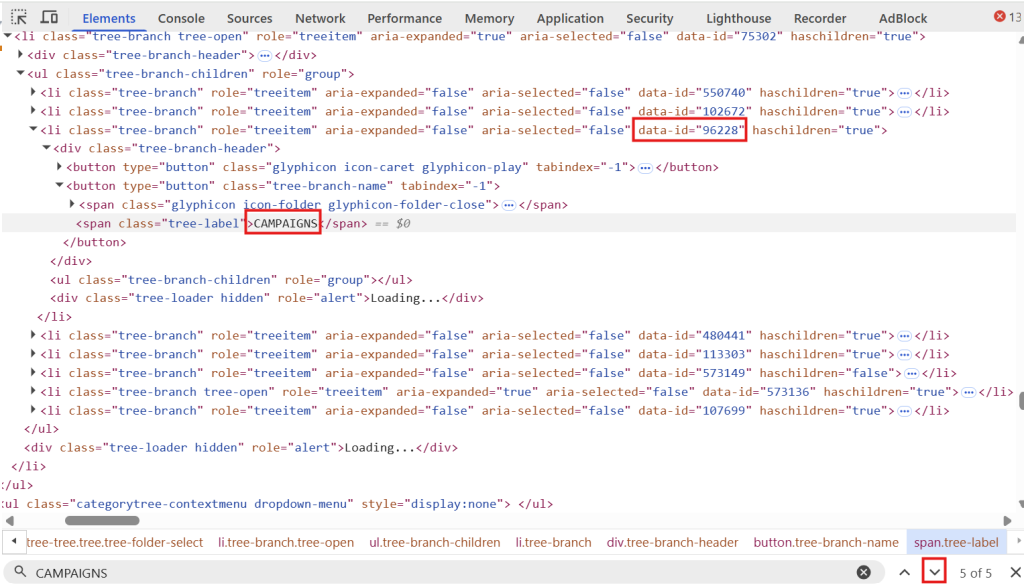
6. Verify visually
To verify it is the correct folder, hover your mouse over the <li> tag and you can see the folder name on the left navigation pane is highlighted. The confirms you have the correct folder.